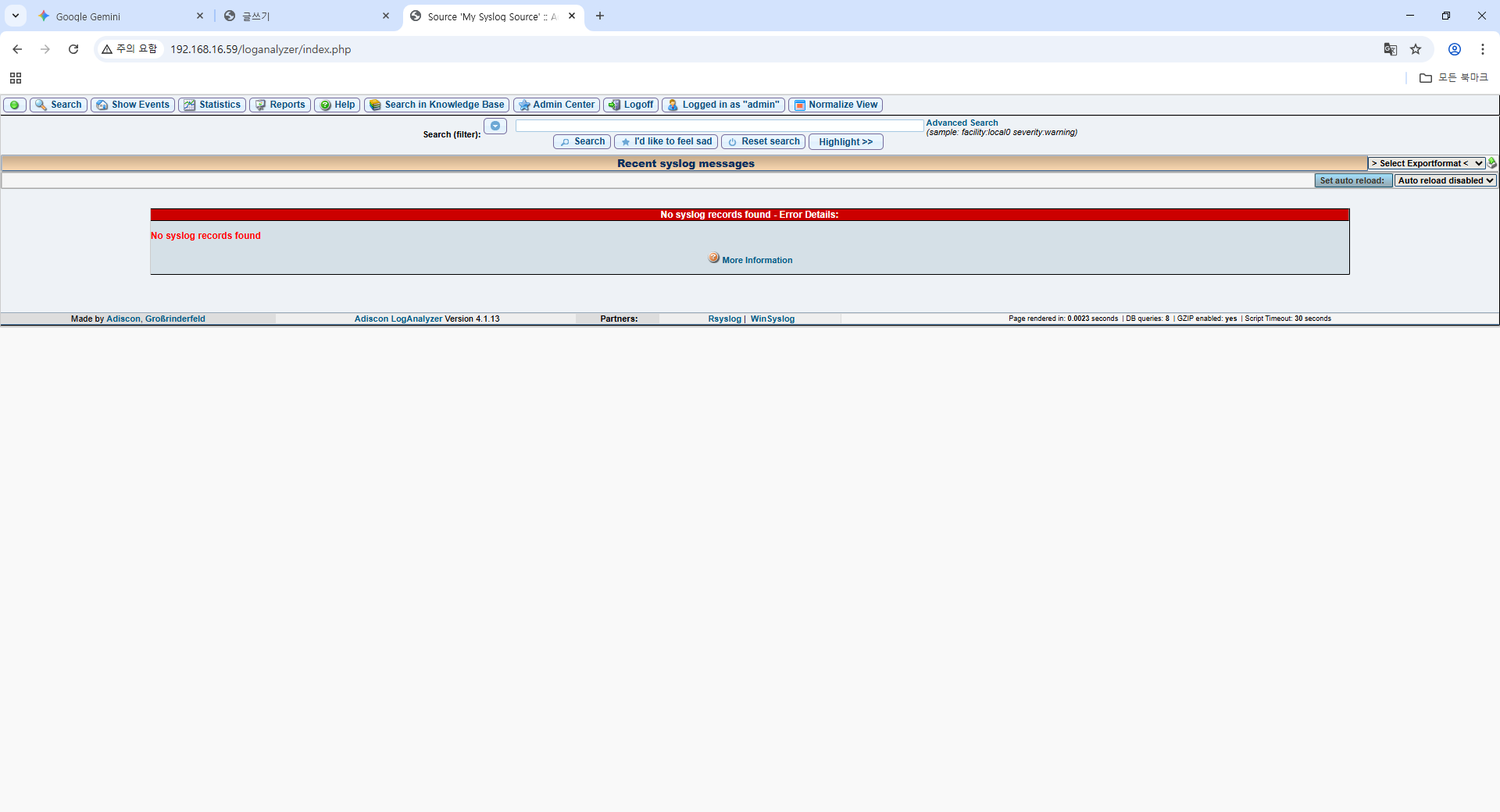
Rsyslog -> DB -> 분석 및 시각화(ELK Stack, Nagios, LogAnalyzer, Wazuh:siem, PMM:db monitering)
[root@localhost ~]# tail -f /var/log/messages
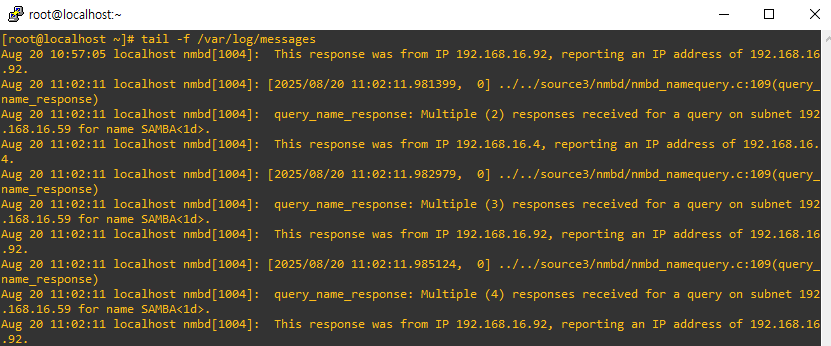

적제된 log를 DB에 저장
sql을 이용하여 원하는 log를 검색가능
@server 192.168.16.59
@client 192.168.16.98
[root@localhost ~]# dnf install -y rsyslog rsyslog-doc
* 기본적으로 설치되어있고 실행중
@server
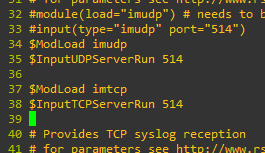
[root@localhost ~]# vi /etc/rsyslog.conf
34.ModLoad imudp imtcp 추가
[root@localhost ~]# firewall-cmd --permanent --add-port=514/tcp success
[root@localhost ~]# firewall-cmd --permanent --add-port=514/udp success
[root@localhost ~]# firewall-cmd --reload
[root@localhost ~]# systemctl restart rsyslog
[root@localhost ~]# dnf install -y lsof net-tools
[root@localhost ~]# lsof -i tcp:514
[root@localhost ~]# netstat -natpl | grep 514


@client
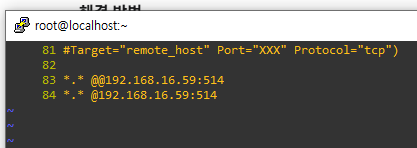
[root@localhost ~]# vi /etc/rsyslog.conf
83. server ip 추가
[root@localhost ~]# systemctl restart rsyslog
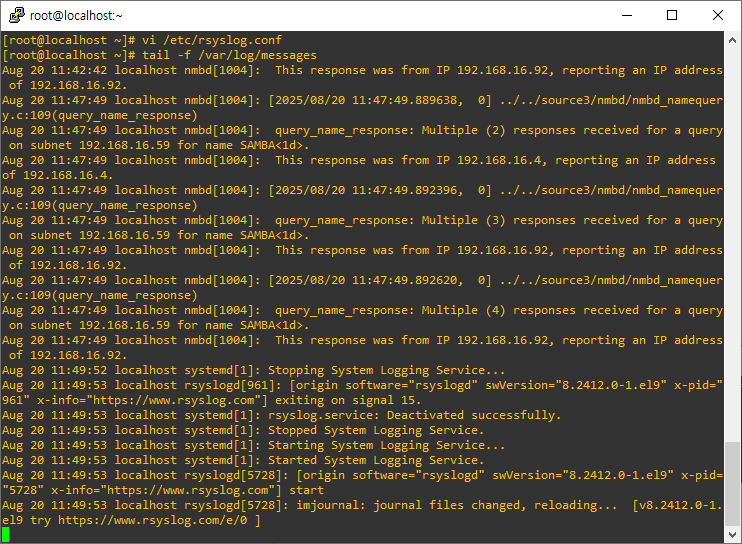

[root@localhost ~]# dnf install -y mariadb-server
[root@localhost ~]# dnf install -y rsyslog-mysql
[root@localhost ~]# systemctl enable --now mariadb
[root@localhost ~]# mysql-secure_installation
[root@localhost ~]# cat /usr/share/doc/rsyslog/mysql-createDB.sql

[root@localhost ~]# mysql -u root -p < /usr/share/doc/rsyslog/mysql-createDB.sql
Enter password:
< : 리다이렉션 기호 : db에 접속하지 않고도 리다이렉션을 이용하여
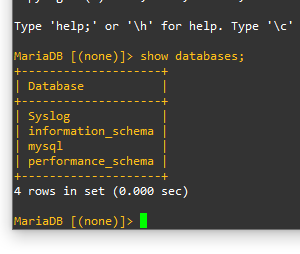
MariaDB [(none)]> grant all privileges on Syslog.* to 'rsyslog'@'localhost' identified by 'rsyslog';
MariaDB [(none)]> flush privileges;
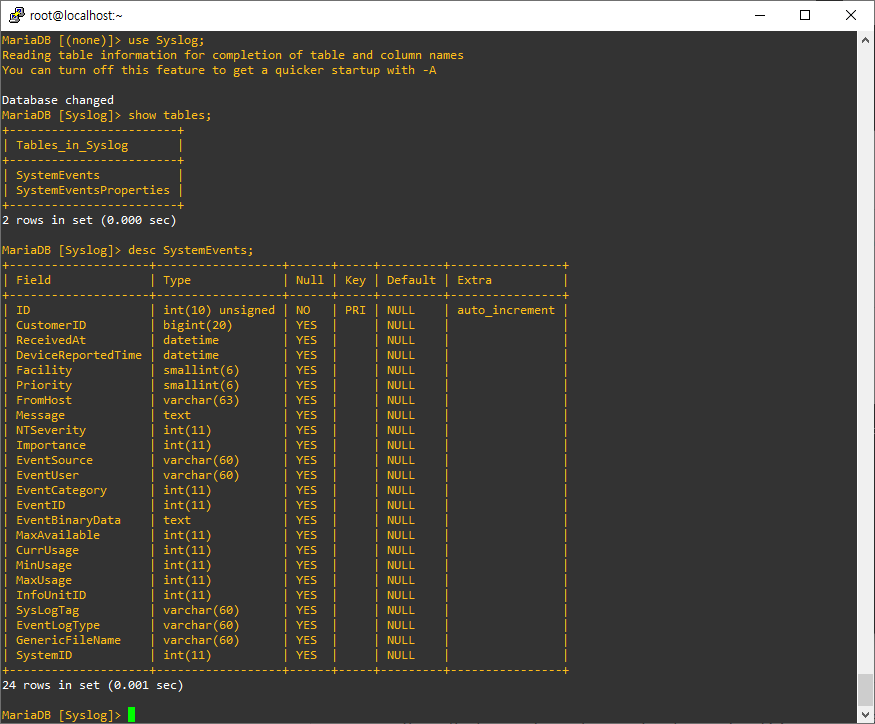
MariaDB [(none)]> use Syslog;
MariaDB [(none)]> desc SystemEvents;
MariaDB [(none)]> quit
[root@localhost ~]# vi /etc/rsyslog.conf
39. ModLoad ommysql 추가

[root@localhost ~]# firewall-cmd --permanent --add-port=3306/tcp
[root@localhost ~]# firewall-cmd --reload
[root@localhost ~]# systemctl restart rsyslog
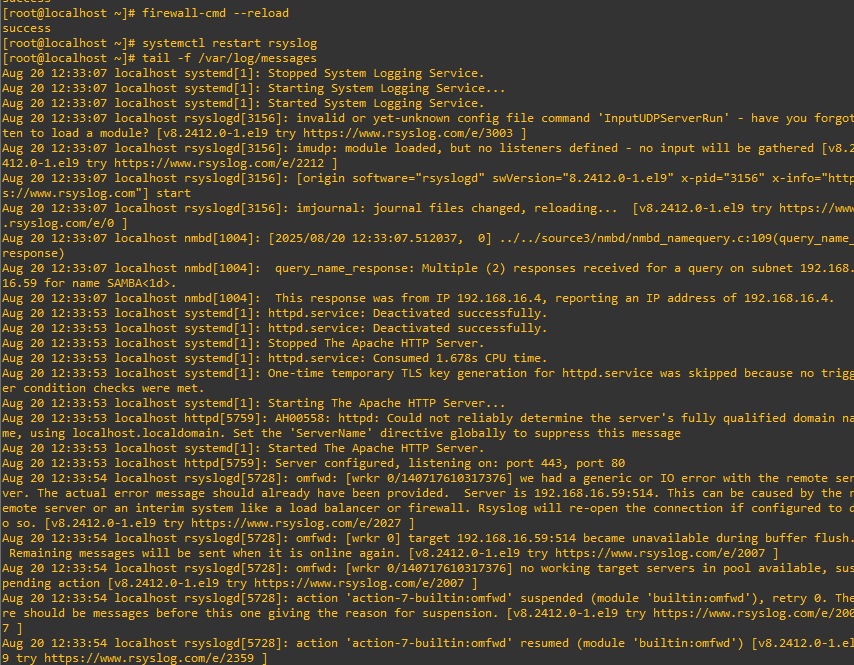
[root@localhost ~]# tail -f /var/log/messages
@client 에서 systemctl restart httpd 실행 시 log 확인
@db
[root@localhost ~]# mysql -u root -p
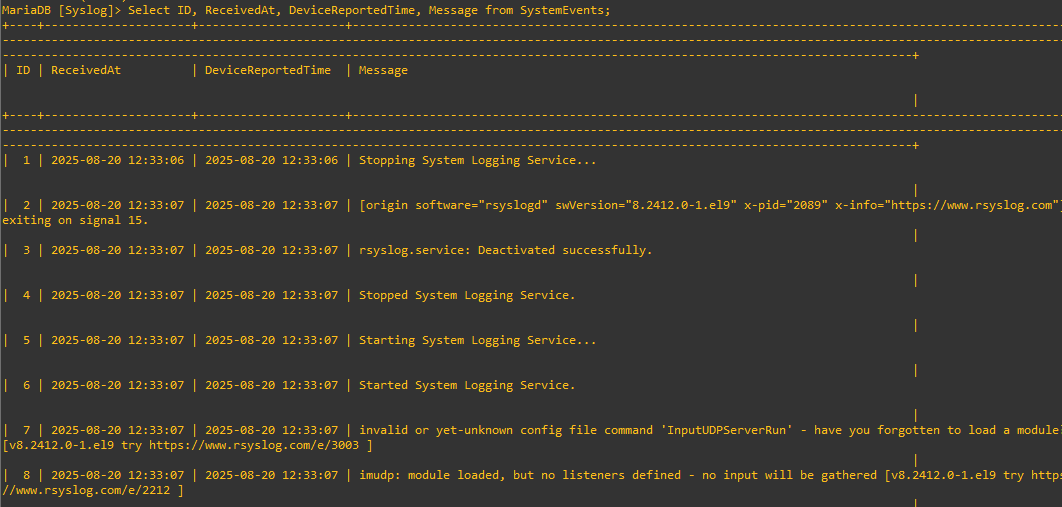
MariaDB [Syslog]> Select ID, ReceivedAt, DeviceReportedTime, Message from SystemEvents;

우선 client의 이름변경
@client: localhost->logclient 이름변경
[root@localhost ~]# hostname
localhost.localdomain
[root@localhost ~]# hostnamectl set-hostname logclient

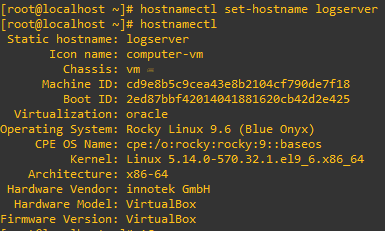
@server: localhost->logserver 이름변경
[root@localhost ~]# hostnamectl set-hostname logserver
[root@localhost ~]# hostnamectl
Web에 DB연결
LogAnalyzer 설치
https://loganalyzer.adiscon.com/
Home - Adiscon LogAnalyzer
View system messages via web Syslog messages Windows Events Status Reports Statistics Web based LogAnalyzer is part of Adiscon’s MonitorWare line of monitoring applications. It runs both under Windows and Unix/Linux. The database can be populated b
loganalyzer.adiscon.com
[root@localhost ~]# dnf install -y php
[root@localhost ~]# dnf install -y wget
[root@localhost ~]# dnf install -y tar
[root@localhost ~]# wget http://download.adiscon.com/loganalyzer/loganalyzer-4.1.13.tar.gz -P /tmp
[root@localhost ~]# tar -xzvf /tmp/loganalyzer-4.1.13.tar.gz -C /tmp
[root@localhost ~]# mkdir /var/www/html/loganalyzer
[root@localhost ~]# cp -r /tmp/loganalyzer-4.1.13/src/* /var/www/html/loganalyzer/
[root@localhost ~]# cp /tmp/loganalyzer-4.1.13/contrib/configure.sh /var/www/html/loganalyzer/
[root@localhost ~]# cd /var/www/html/loganalyzer
[root@localhost ~]# ls
[root@localhost ~]# cat configure.sh
[root@localhost ~]# echo $SHELL
[root@localhost ~]# bash configure.sh
[root@localhost ~]# cat config.php
[root@localhost ~]# chcon -h -t httpd_sys_script_rw_t config.php
@index.php 추가
[root@localhost loganalyzer]# vi /etc/httpd/conf/httpd.conf
DirectoryIndex index.php 추가하기
[root@localhost loganalyzer]# systemctl restart httpd
192.168.16.59/loganalyzer/ 접속
Installing LogAnalyzer Version 4.1.13
Step3.
Enable User Database : yes
localhost
3306
Syslog
SystemEvents
rsyslog
rsyslog