HTTP(HyperText Transfer Protocol) - APM(Apache PHP Mysql) (포트번호 : 80)
HTTPS(HTTP Secure) -> HTTP over SSL(TLS) (포트번호 : 443)
FTP(File Transfer Protocol)
21 : 제어 채널
20 : 전송 채널
전송방식 : Active / Passive (1024 이상의 포트 사용)
FTPS(FTP Secure)
SFTP(SSH over FTP)
서버인증서 self로 만들기
웹서버에 적용해보기
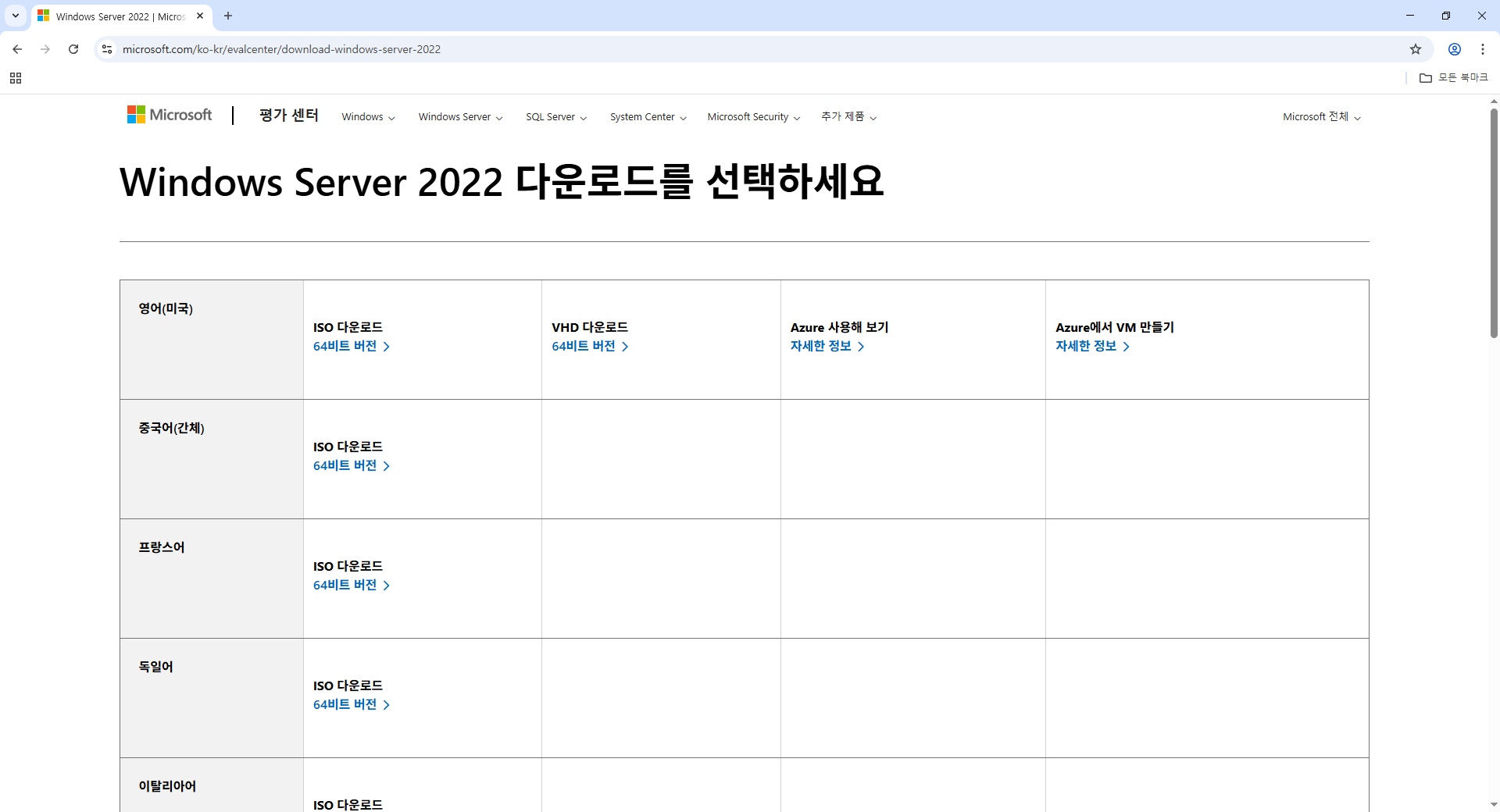
[root@localhost ~]# dnf install -y httpd php mariadb-server
[root@localhost ~]# mysql -V
[root@localhost ~]# php -V
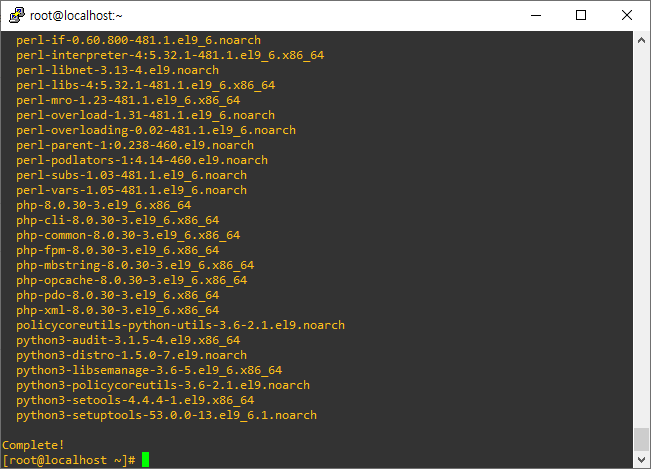
[root@localhost ~]# vi /etc/httpd/conf/httpd.conf
34. ServerRoot "/etc/http"
47. Listen 80 포트번호
61. Include conf.modules.d/*.conf
71, 72. User apache / Group apache 권한
91. ServerAdmin root@localhost 관리자계정
100. ServerName www.example.com:80
107. Directory 최상위 디렉토리에 대한 권한(요청 모두 거부)
124. DocumentRoot "/var/www/html" 루트 디렉토리
187. ErrorLog "logs/error_log" 에러 로그파일 경로
194. Loglevel warn (debug ~ crit 7 level)
252. ScriptAlias /cgi-bin/ "/var/www/cgi-bin/"
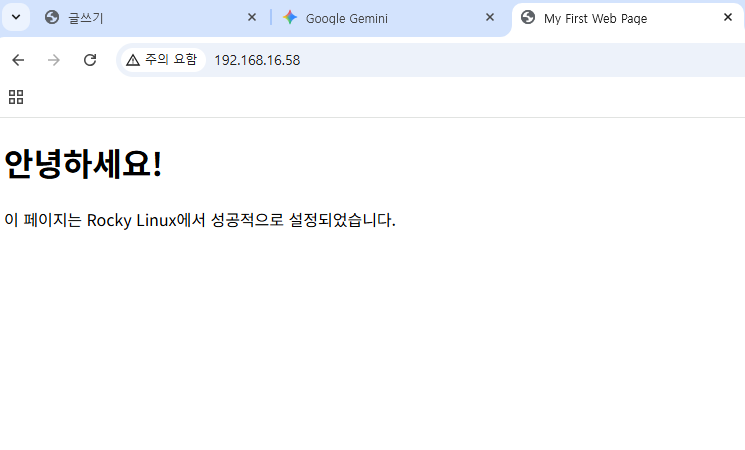
[root@localhost ~]# systemctl start httpd
[root@localhost ~]# firewall-cmd --permanent --add-service=http
[root@localhost ~]# firewall-cmd --reload

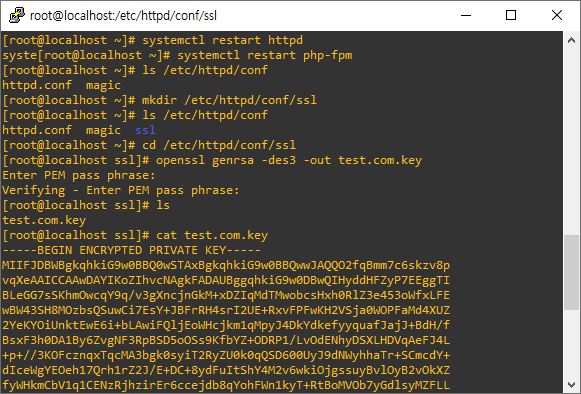
@ 키 생성
[root@localhost ~]# ls /etc/httpd/conf
httpd.conf magic
[root@localhost ~]# mkdir /etc/httpd/conf/ssl
[root@localhost ~]# ls /etc/httpd/conf
httpd.conf magic ssl
[root@localhost ~]# cd /etc/httpd/conf/ssl
[root@localhost ssl]# openssl genrsa -des3 -out test.com.key
Enter PEM pass phrase:
Verifying - Enter PEM pass phrase:
[root@localhost ssl]# ls
test.com.key
@ 인증서 생성
[root@localhost ssl]# openssl req -newkey rsa:2048 -nodes -keyout /etc/httpd/conf/ssl/test.com.key -x509 -days 365 -out /etc/httpd/conf/ssl/test.com/crt
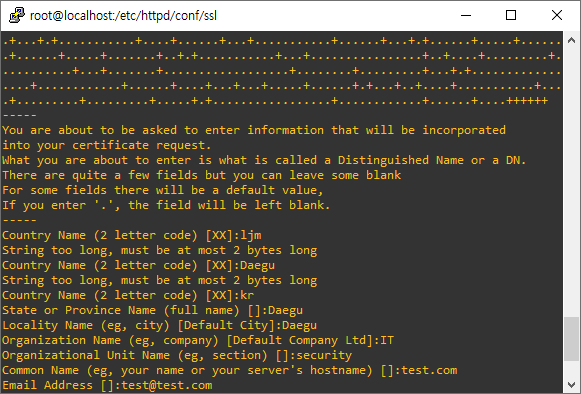
[root@localhost ssl]# openssl x509 -noout -text -in -test.com.crt

[root@localhost ssl]# dnf install -y mod_ssl
[root@localhost ssl]# vi /etc/httpd/conf.d/ssl.conf
85. SSLCertificateFile 경로 /etc/httpd/conf/ssl/test.com.crt 으로 변경
93. SSLCertificateKeyFile 경로 /etc/httpd/conf/ssl/test.com.key 으로 변경
[root@localhost ssl]# systemctl restart httpd
[root@localhost ssl]# firewall-cmd --permanent --add-port=443/tcp
https://192.168.16.58 접속